 Ukrainian / UK
 English / EN
 Arabic / AR
 Spain / ES
 Deutsch / DE
 Italy / IT
 French / FR
 Russian / RU
在解锁的 Mac 上执行硬重置
系留绕过是一个解锁过程,需要在设备硬重置后重新使用 Checkm8 T2。 如果您没有重新解锁,您将无法使用该设备,它会保留在激活窗口中。 任何再循环都是免费提供的。 设备上的所有数据和 macOS 设置都将被保存。 此外,在某些情况下,Mac 电池的耗电速度可能比正常情况更快。
1. Enter the locked Mac into DFU mode and run the iRemove T2 Bypass Tool.
2. Once the bypass is completed, press the Power button once.
3. Immediately press Command + R to boot the Mac into Recovery mode.
4. Click Disk Utility.
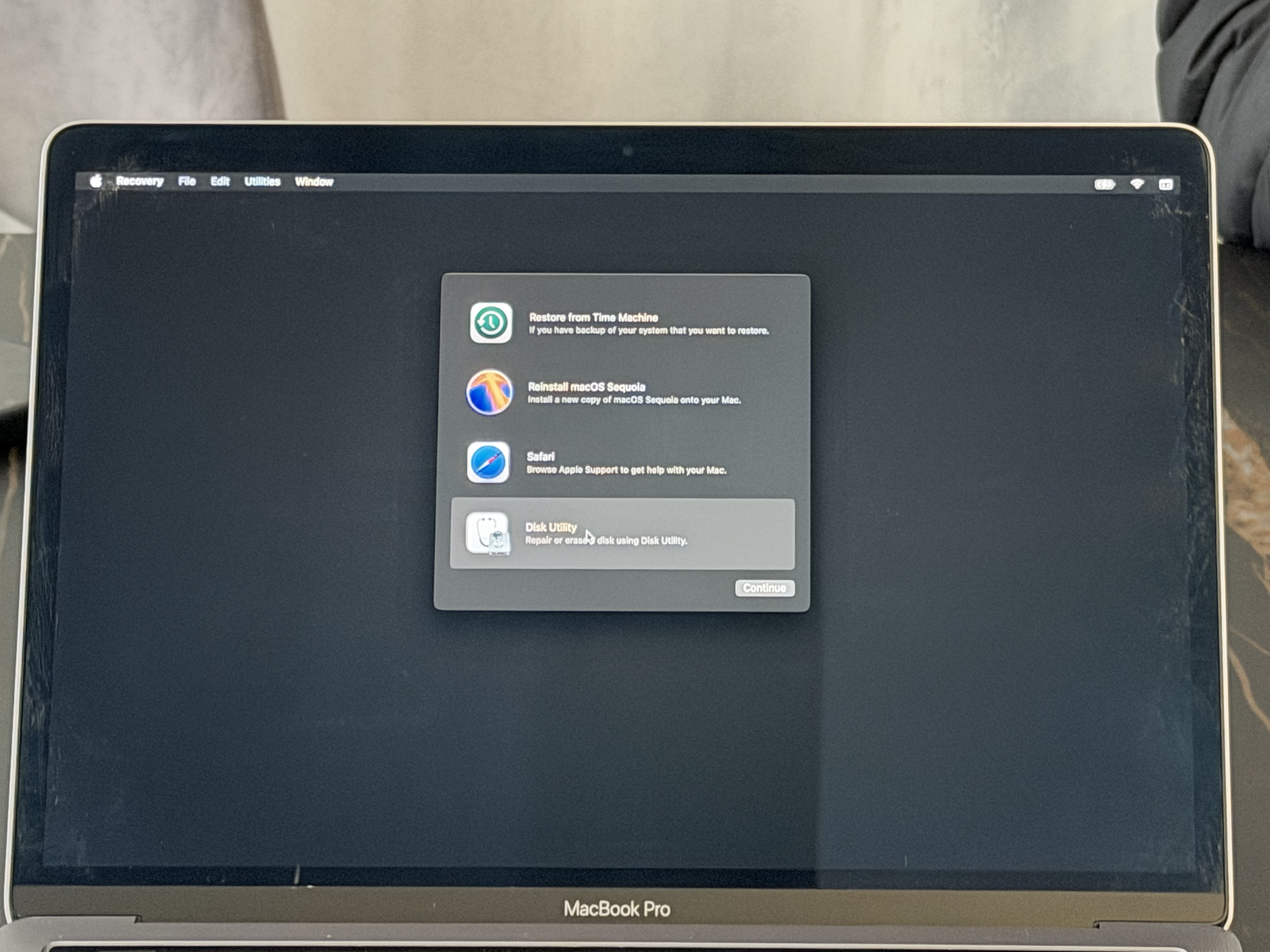
5. Select the Mac Internal SSD drive.
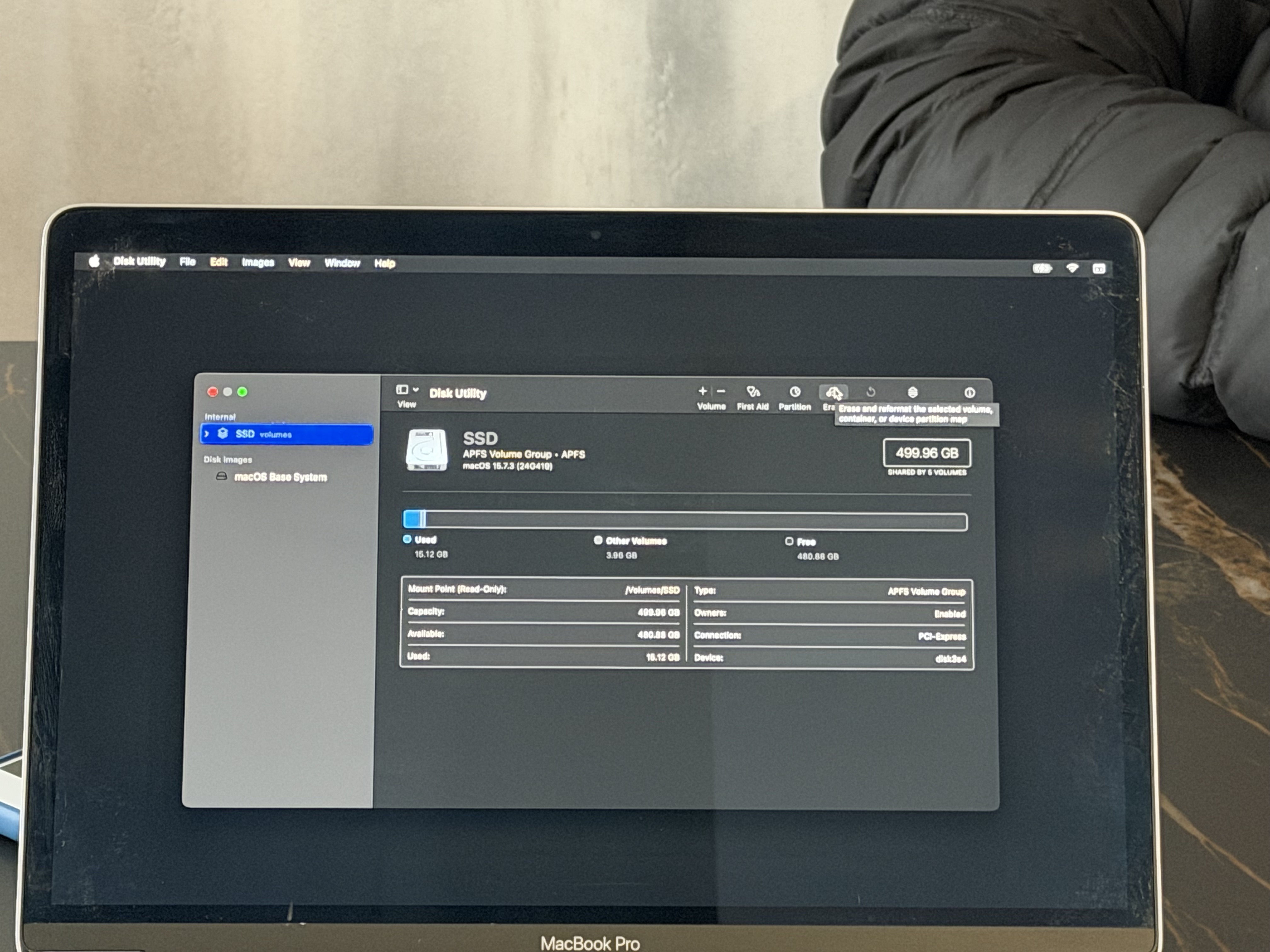
6. Click Erase and choose APFS as the file system.
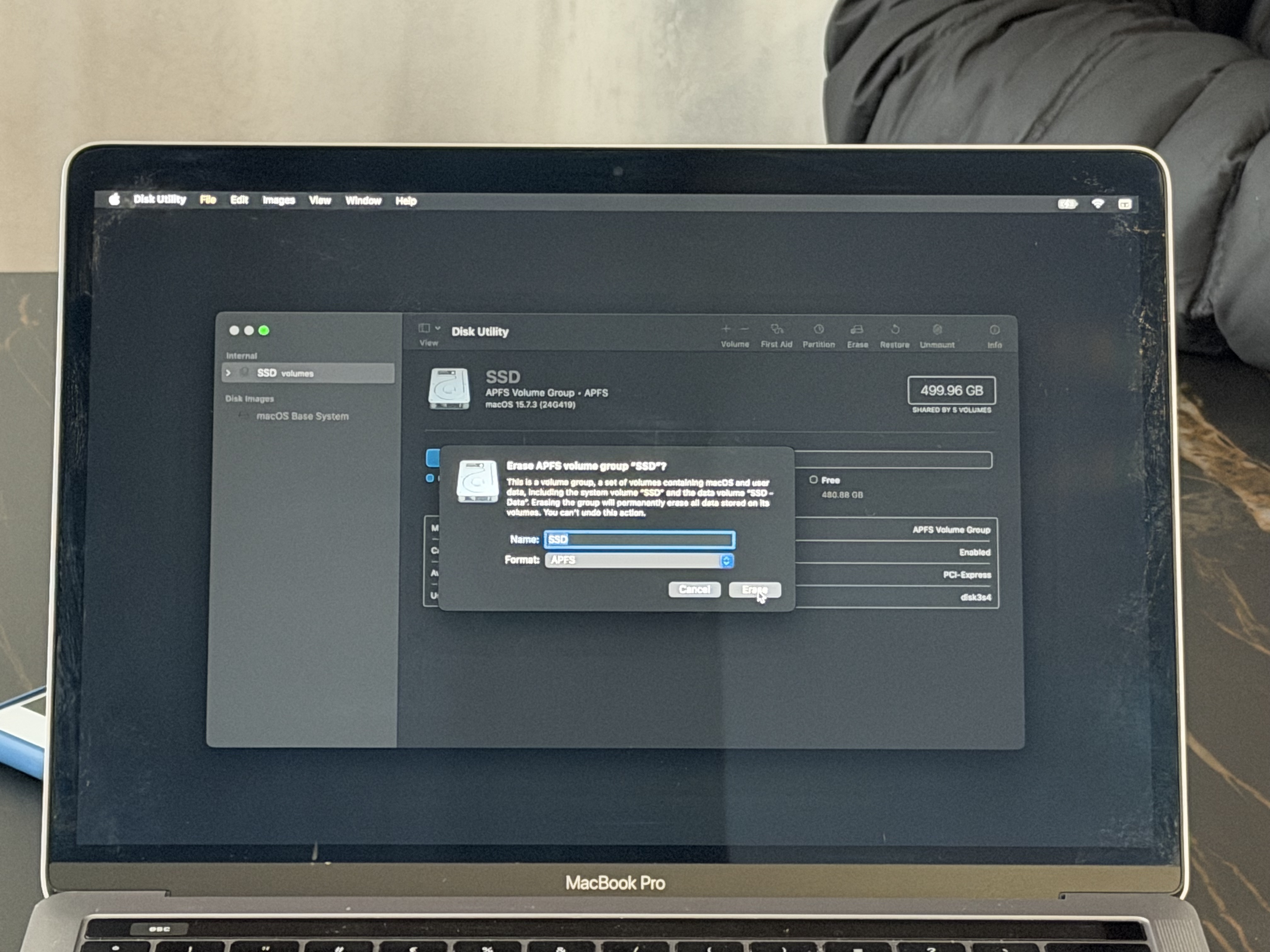
7. Wait until Disk Utility finishes erasing the SSD.
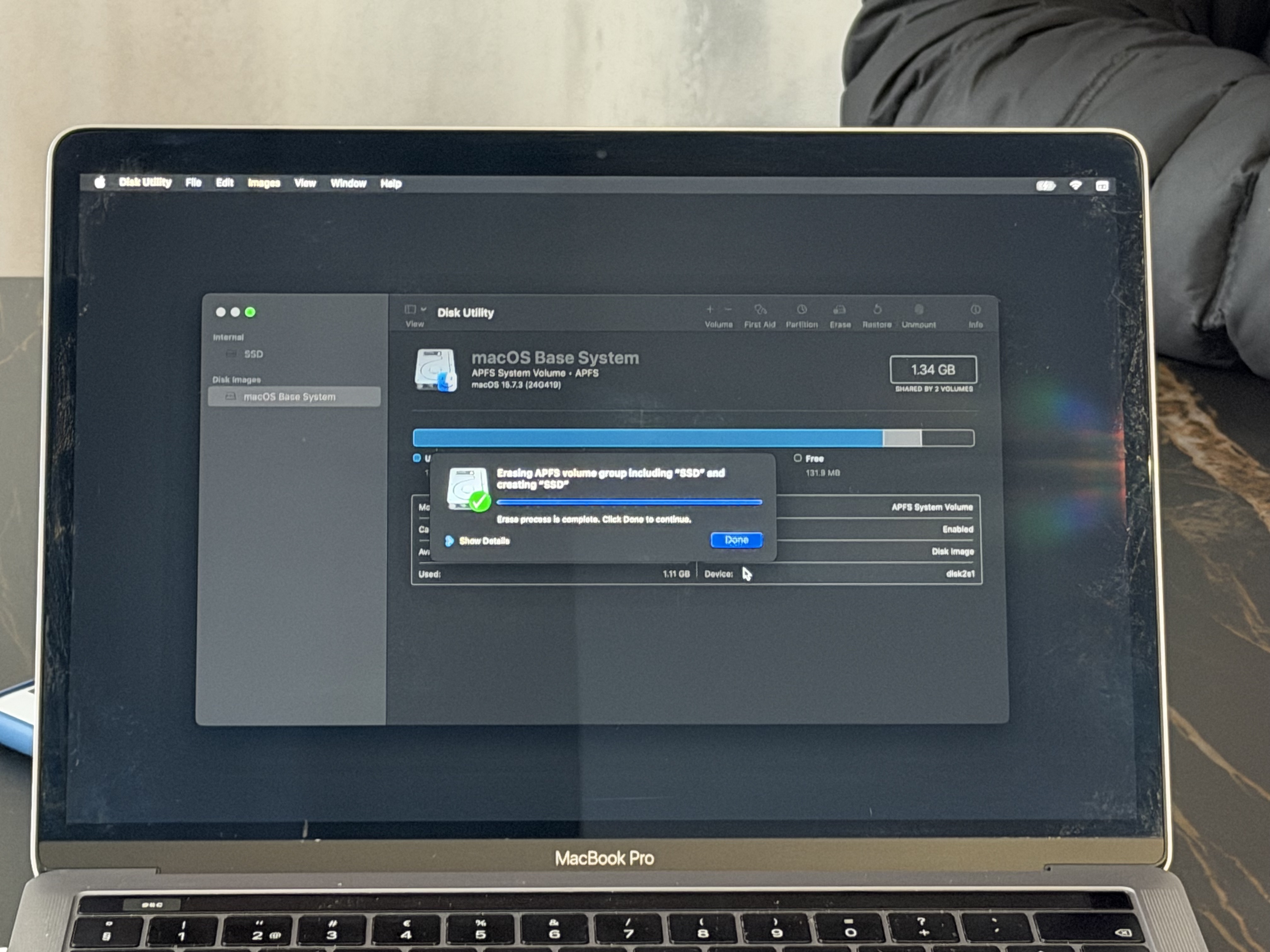
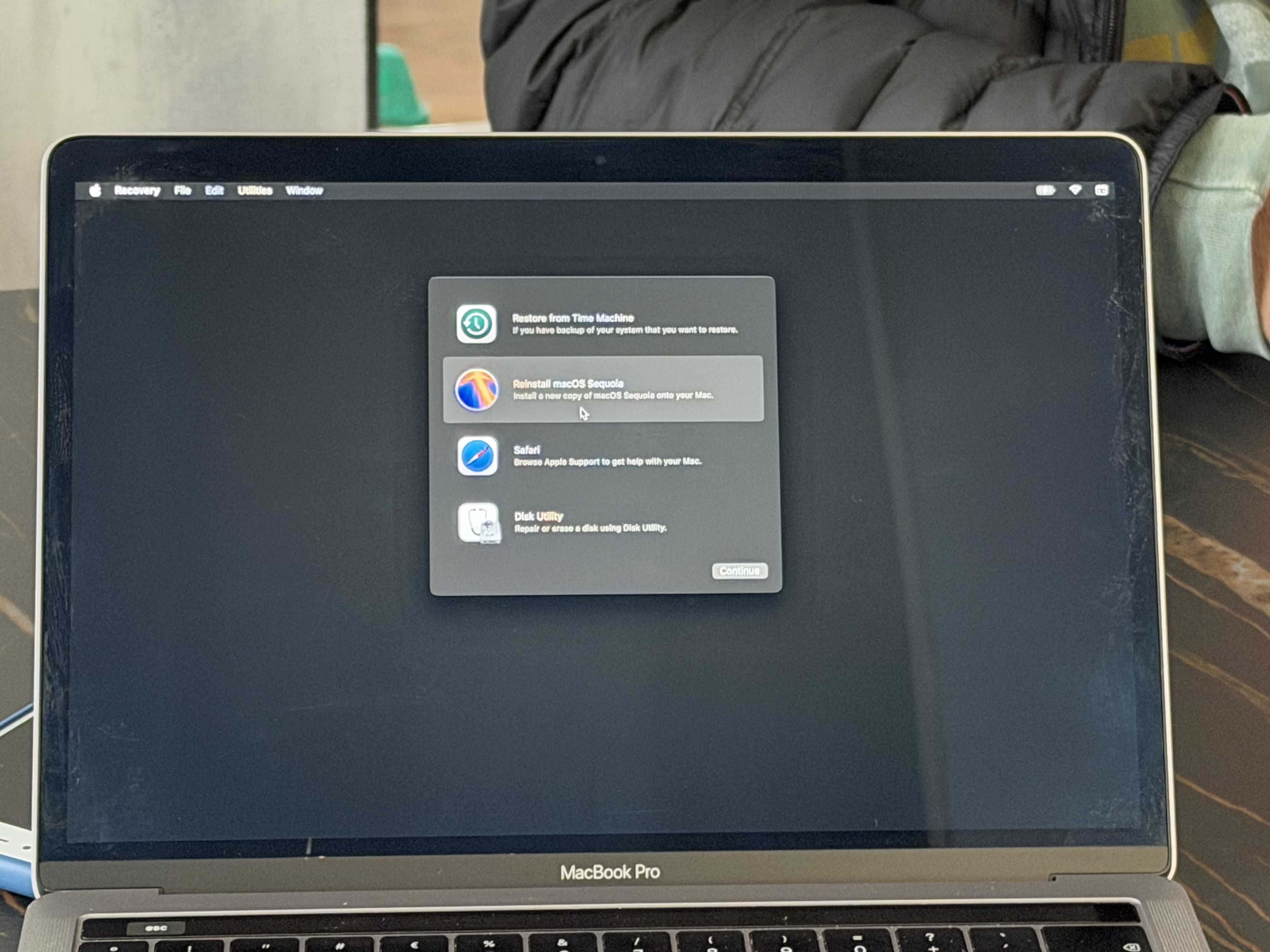
8. Select Install macOS. Follow the macOS installation steps.
9. When prompted, choose the erased SSD as the installation destination.
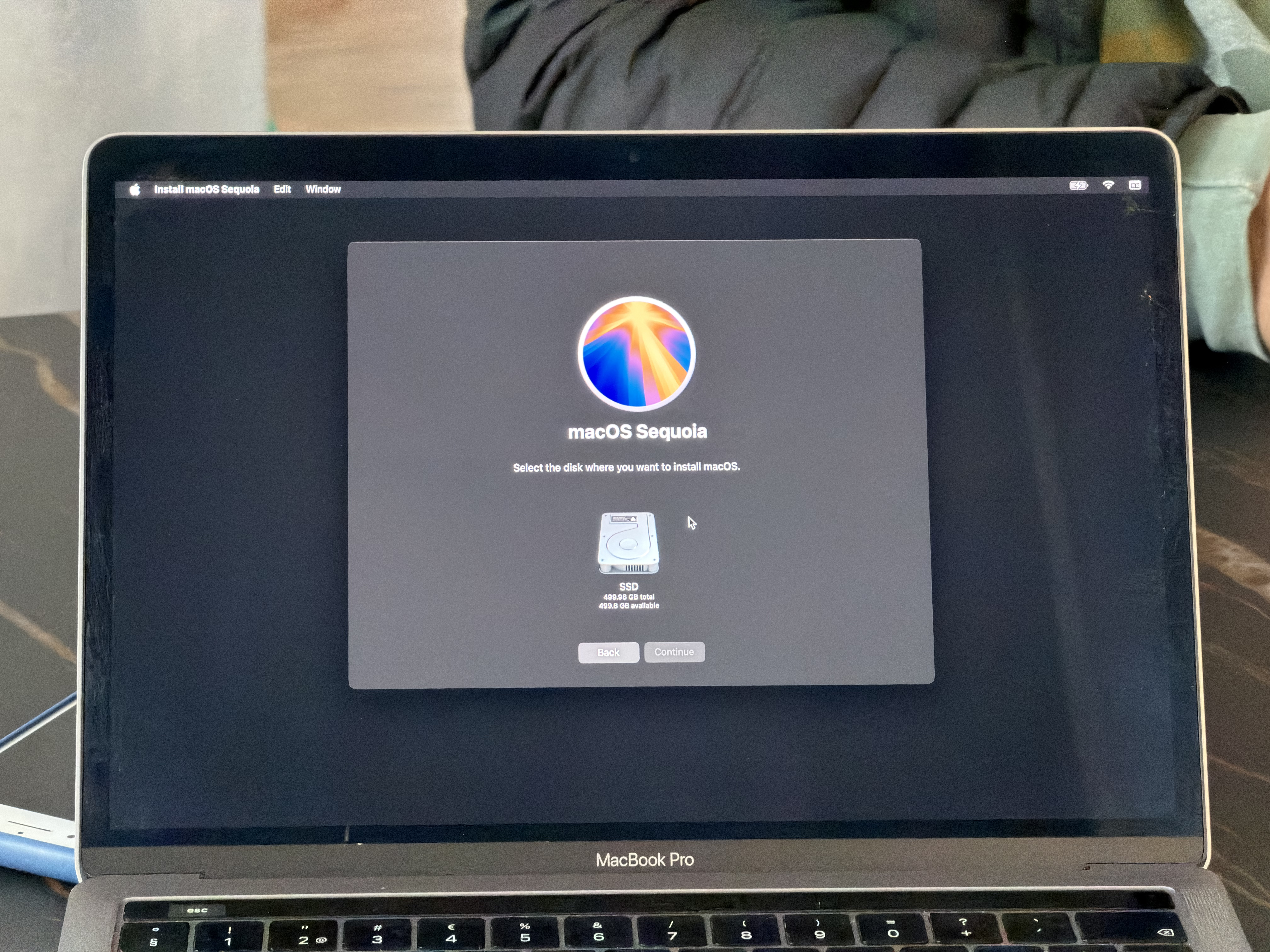
10. The macOS installation process will begin.

11. The Mac will reboot to a black screen to continue the installation.
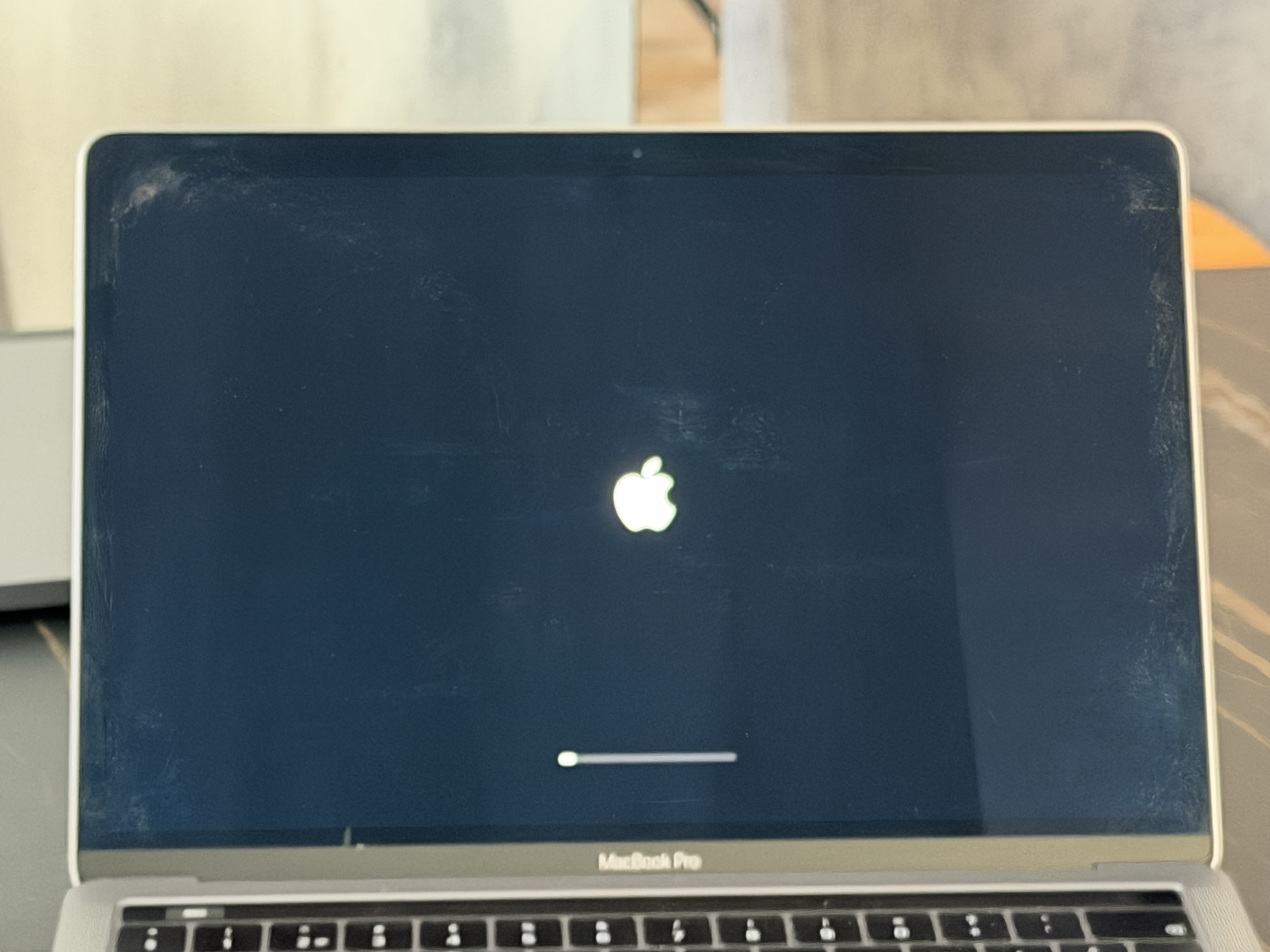
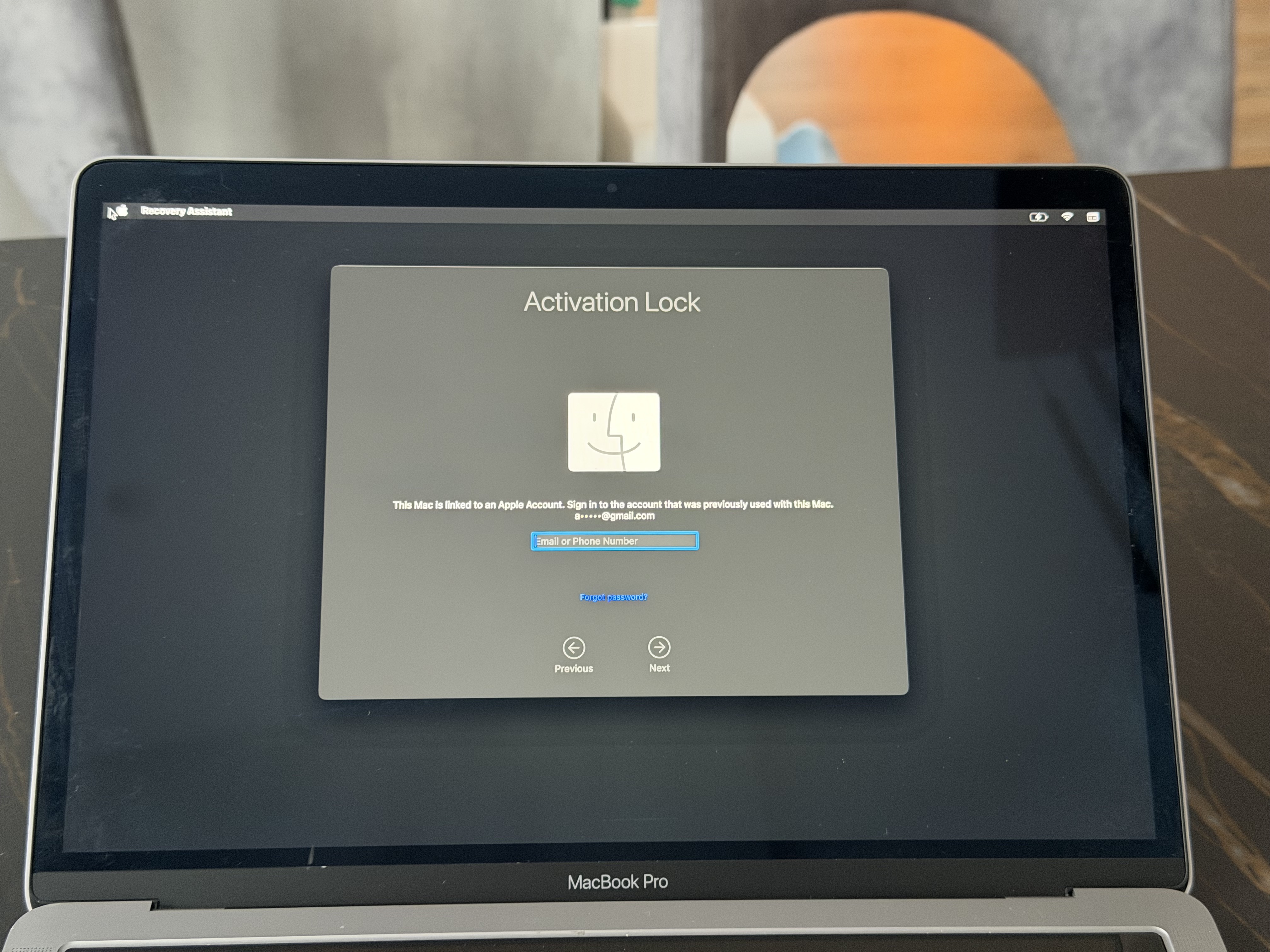
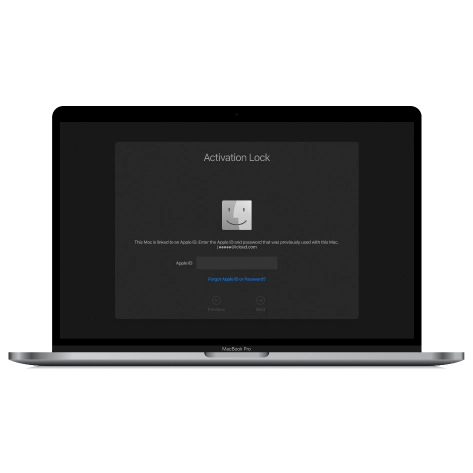
12. Once the installation is completed, the Mac will reboot and request Activation again.
13. Enter the Mac into DFU mode and run the iRemove T2 Bypass Tool again.
14. After the bypass is completed, press the Power button once, and the Mac will reboot.
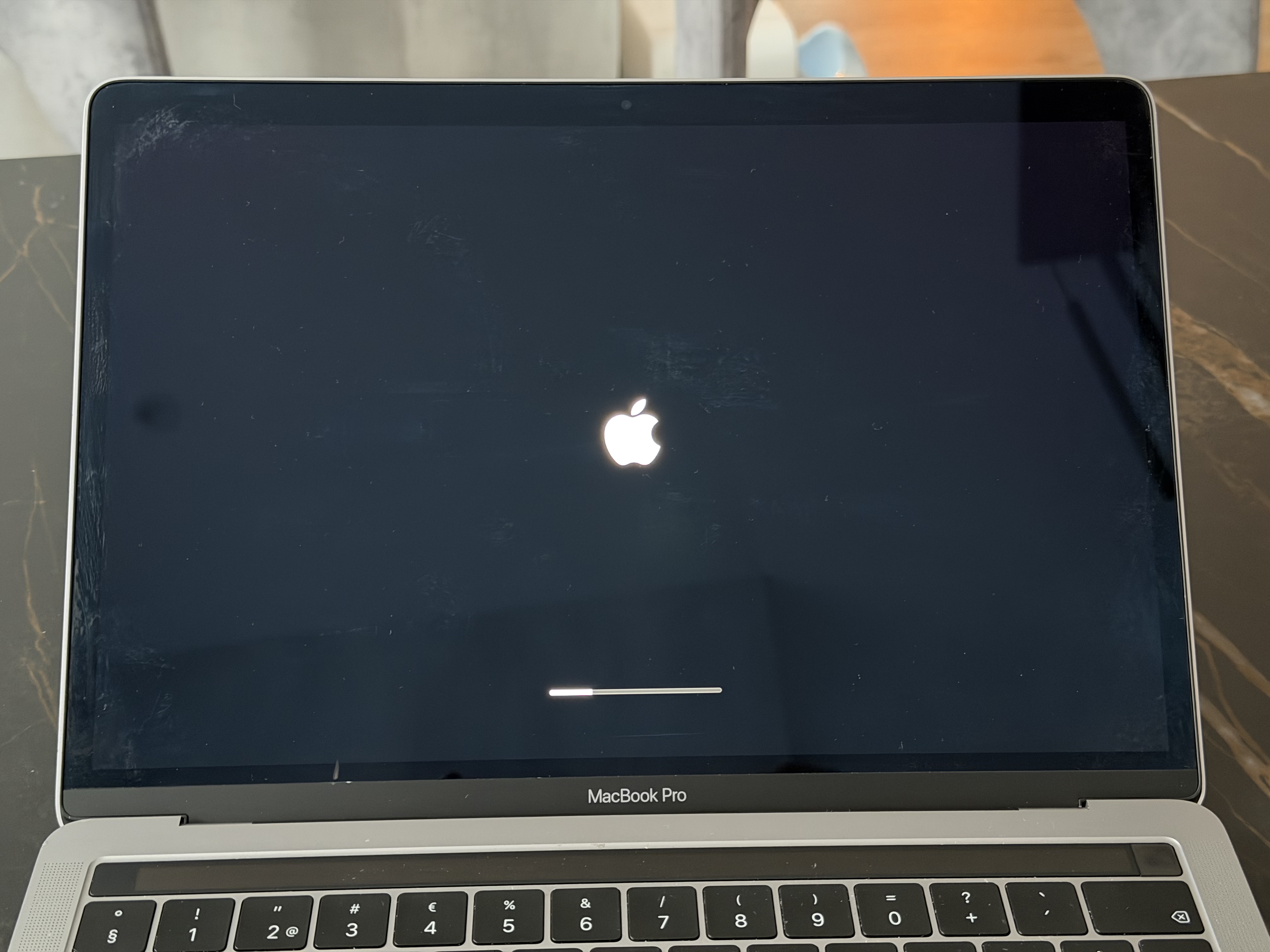
15. After the bypass and reboot, the Mac will finish the macOS installation.
Complete the macOS setup: create a user, customize settings, etc.
避免使用硬重置功能,因为这会阻止激活,需要您再次绕过设备上的激活。
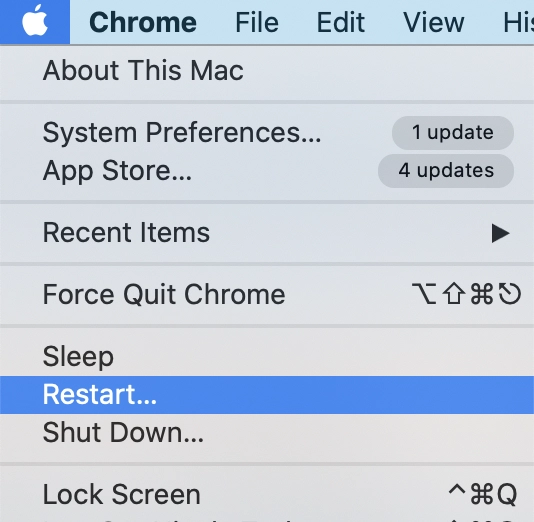
✅如果您需要重启 macOS 设备,您可以前往 Apple 菜单并选择重启。
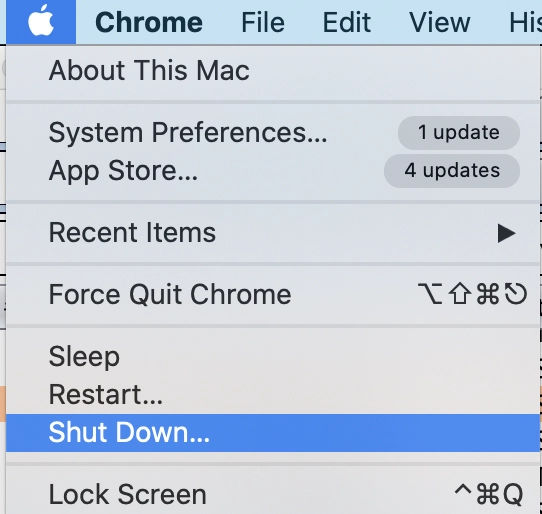
✅或者,您可以从 Apple 菜单中选择“关闭”来关闭设备。
远程 Mac 重启
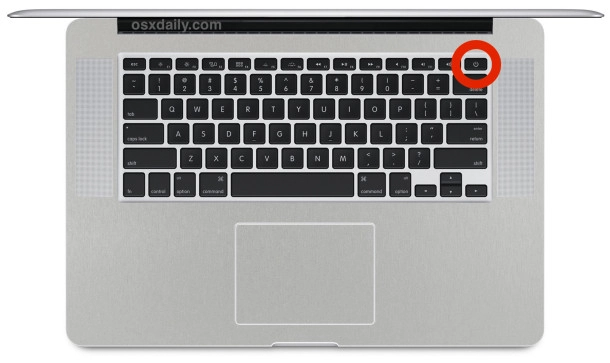
❌ 按住键盘上的电源按钮,直到 Mac 完全关机,这可能需要大约 5 秒钟。
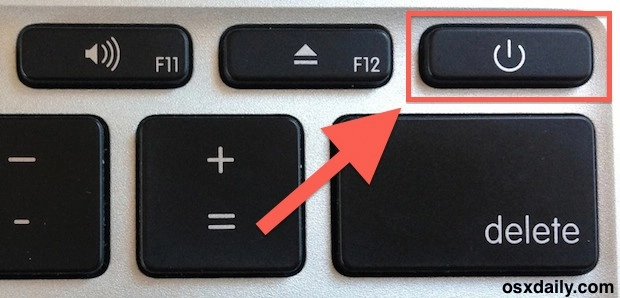
❌ 等待几秒钟后,再次按下电源按钮以启动 Mac 的启动过程。

![远程管理 [MDM] 绕过工具](https://checkm8.info/new/img/service/remote-management-iphone-unlock.webp)